
Extract Text from Image or PDF — Simple, Fast, and Free
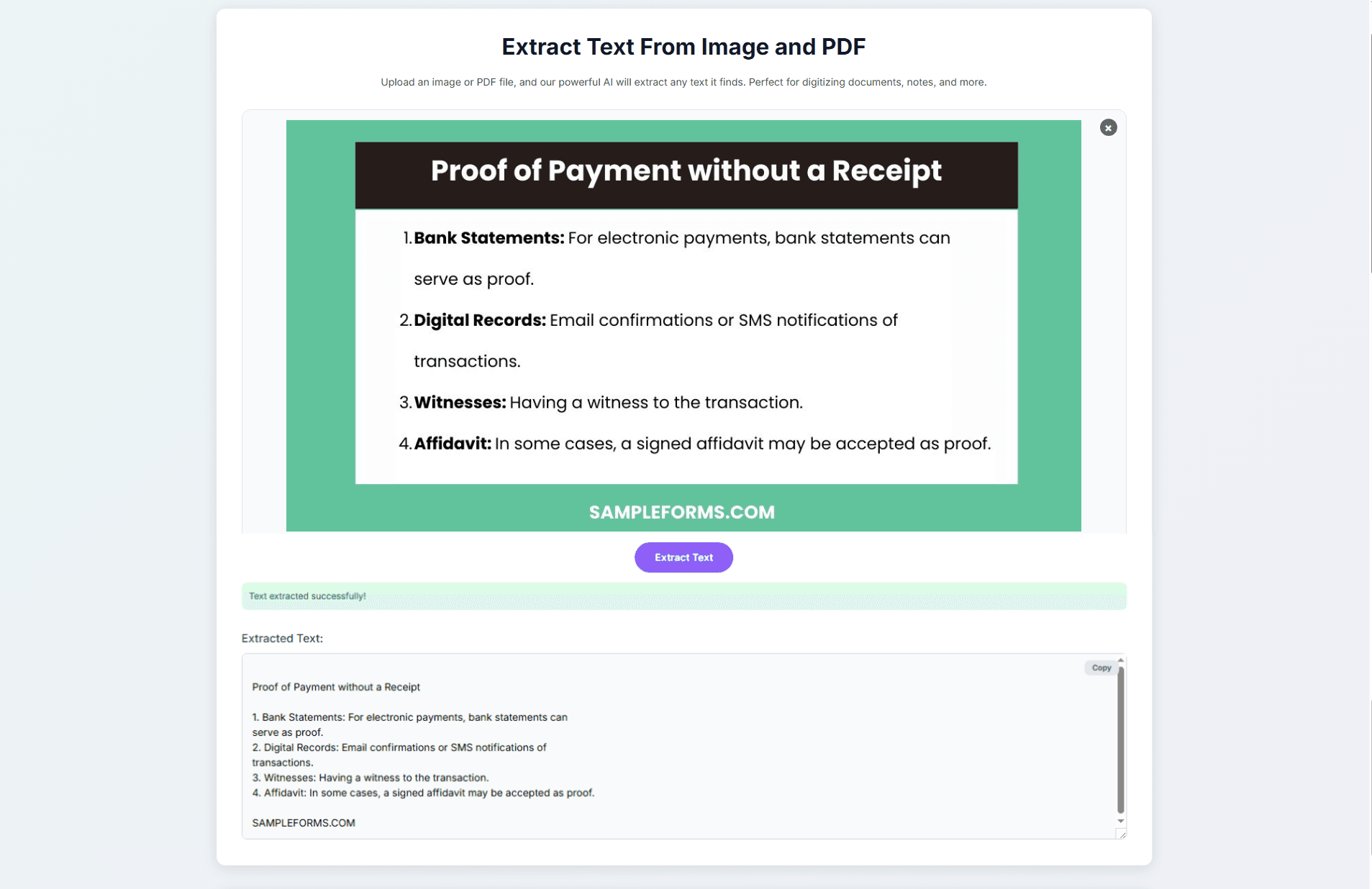 Working with printed, handwritten, or scanned text can sometimes feel inconvenient. Whether it’s notes written on paper, text shown in a presentation slide, or information in an image or PDF file, retyping everything manually takes time. That’s where our Extract Text From Image tool helps.
The tool uses advanced OCR (Optical Character Recognition) technology to convert text from images and PDF files into editable digital text. Simply upload your file, and the text is extracted instantly. You can then copy, edit, translate, or save it.
It’s simple, fast, and free to use. No sign-up, no payment, no setup. Just upload, extract, and copy.
Try it now for free:
Extract Text From Image or PDF
What This Tool Does
This tool detects text inside images and PDF documents and converts it into selectable, editable text. Whether you are working with handwritten notes, printed documents, screenshots, whiteboard photos, receipts, slide presentations, or PDFs, if the text is visible, the tool can recognize it and turn it into something you can use.
Who Can Benefit From This Tool?
Most people who work with documents will find a use for it. Students can digitize lecture notes and whiteboard photos without retyping everything. Teachers and researchers can use scanned materials to pull quotes and academic text directly. Professionals dealing with receipts, reports, or dense PDFs can copy data in seconds rather than manually transcribing it. Content creators can reuse text from screenshots and visual media, and language learners can convert foreign-language text for translation. The common thread is simple: no one has to retype anything by hand.
Common Situations Where You'd Actually Need This
This comes up more often than expected. You photograph a whiteboard after a meeting but cannot search or copy anything from the image. You receive a scanned PDF but cannot highlight or select any text. You photograph a menu or sign in another language and need to translate it quickly. Students often face this with photographed textbook pages and lecture slides saved as images.
The tool fits naturally into these situations because it requires very little effort. Just upload what you already have.
How to Extract Text from a PDF That Won't Let You Copy
Not all PDFs contain real text. Scanned documents, older files, and anything printed and re-digitized are essentially images inside a PDF container. That is why clicking and dragging selects nothing or returns unreadable characters.
OCR solves this by reading the visual content and reconstructing it as actual, selectable text. Upload your PDF, extract the text, and paste it wherever you need it.
Privacy First: What Actually Happens to Your Files?
When you upload a file, it is processed and then deleted immediately. Nothing is saved, reviewed, or stored after your session ends. There is no account required, so no profile is created around your usage.
This is important if you are uploading anything sensitive, such as a contract, a medical document, or a financial report. Your file comes in, the text comes out, and nothing remains.
Key Benefits
1. Fast & Accurate OCR
The system identifies characters clearly and delivers results in seconds.
2. Supports Multiple File Formats
You can upload JPG, PNG, PDF, and other common formats.
3. Simple and Easy to Use
The layout is clean:
Drag and drop your file
Click Extract Text
Copy the result
4. Secure and Private
Files are processed safely and temporarily. They are not stored or shared.
5. Free to Use
You can use the tool anytime at no cost.
Perfect For:
This tool is useful if you regularly digitize handwritten notebooks, capture notes from classrooms or meetings, pull data from receipts, or need to quote and edit text inside an image or PDF. If any part of your workflow involves reading text from a screen and typing it elsewhere, this tool removes that step.
How to Use the Extract Text Tool
Upload an image or PDF
Click "Extract Text"
Copy the text that appears
Why Choose Ziltool?
Ziltool is built around a simple idea: everyday tasks should not require complicated software. The Extract Text tool reflects that. It is fast, practical, and easy to use without a learning curve. Students, professionals, and casual users rely on it because it delivers accurate results in just a few clicks and saves time that would otherwise be spent on manual work.